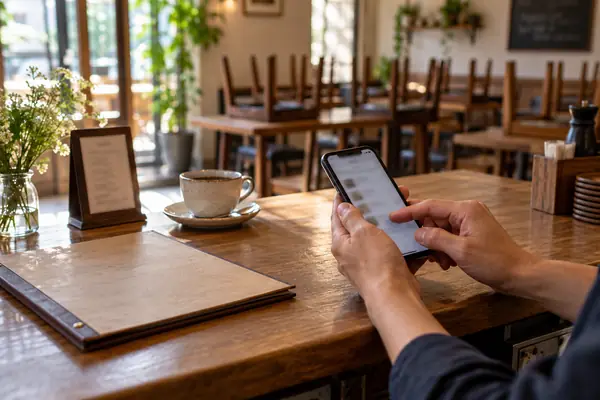
Switch to a digital menu in five steps.
Move your restaurant to a digital menu: add your dishes, pick a design, publish, print the QR code – and what to keep on paper.
GUIDES
Articles about digital menus, labeling and everyday restaurant work. Legal topics come with sources and a date – they are not legal advice.
Move your restaurant to a digital menu: add your dishes, pick a design, publish, print the QR code – and what to keep on paper.
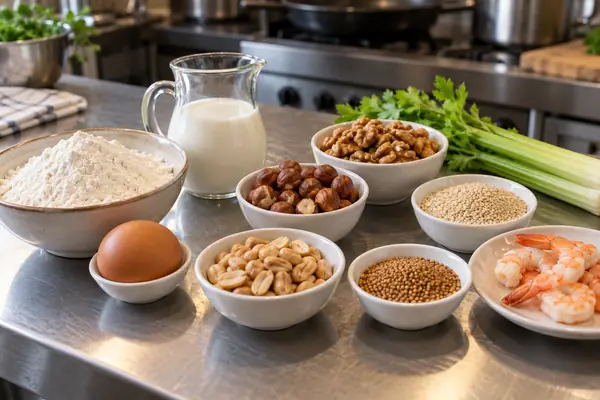
The nine major food allergens, whether restaurants must label them, what the FDA Food Code asks for and three ways to show allergens on a menu, with examples.
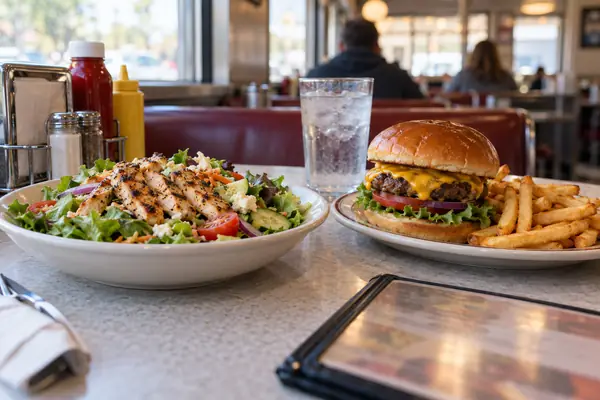
Which restaurants must post calories under the FDA menu labeling rule, what covered menus must show and what independent restaurants should know.

A clear menu helps guests decide. Tips on categories, order, dish names, descriptions and prices – for phones and print.
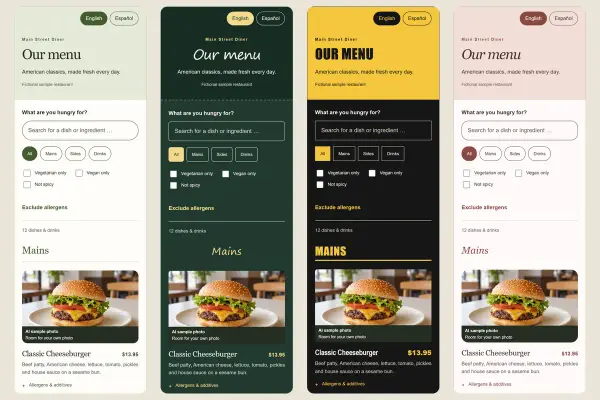
Digital menu design for phones: readable type, enough contrast, a clear order, real photos and a design that fits your restaurant.
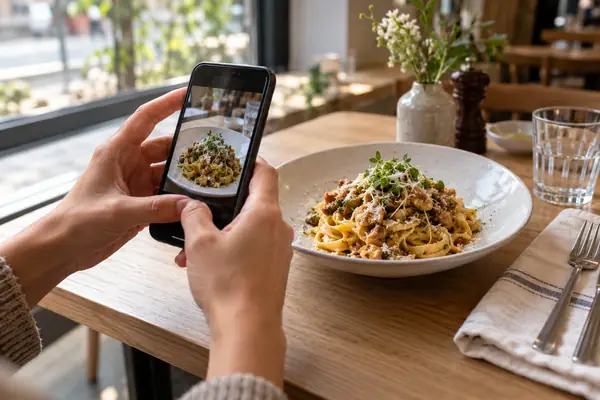
Great photos for your digital menu without a studio: light, angle, background, consistency and image rights – all with your smartphone.

How to label vegan and vegetarian dishes clearly, show spice levels and why “vegan” does not mean “allergen-free”.
Changing dishes without reprinting: keep lunch specials and daily dishes current on your digital menu – with the same QR code.

Add your restaurant menu to Google Maps and Search: the menu link, Google's menu editor and menu photos compared, with step-by-step instructions.

What a digital menu really costs: software, your time, printing and photos – and how to spot a fair offer.
PDF menu, menu web page or your own app: an honest look at the pros and cons for guests and owners.
Make the QR code on the table scan reliably: contrast, quiet zone, size, placement, material and a test before you put it out.

How guests find your dishes through Google, Bing and AI assistants: Business Profile, your website, structured data and a readable menu.