Everyday · 3 min read
Daily specials – current every day.
Changing dishes are where a digital menu saves the most work. With a fixed routine, updating takes just a few minutes.
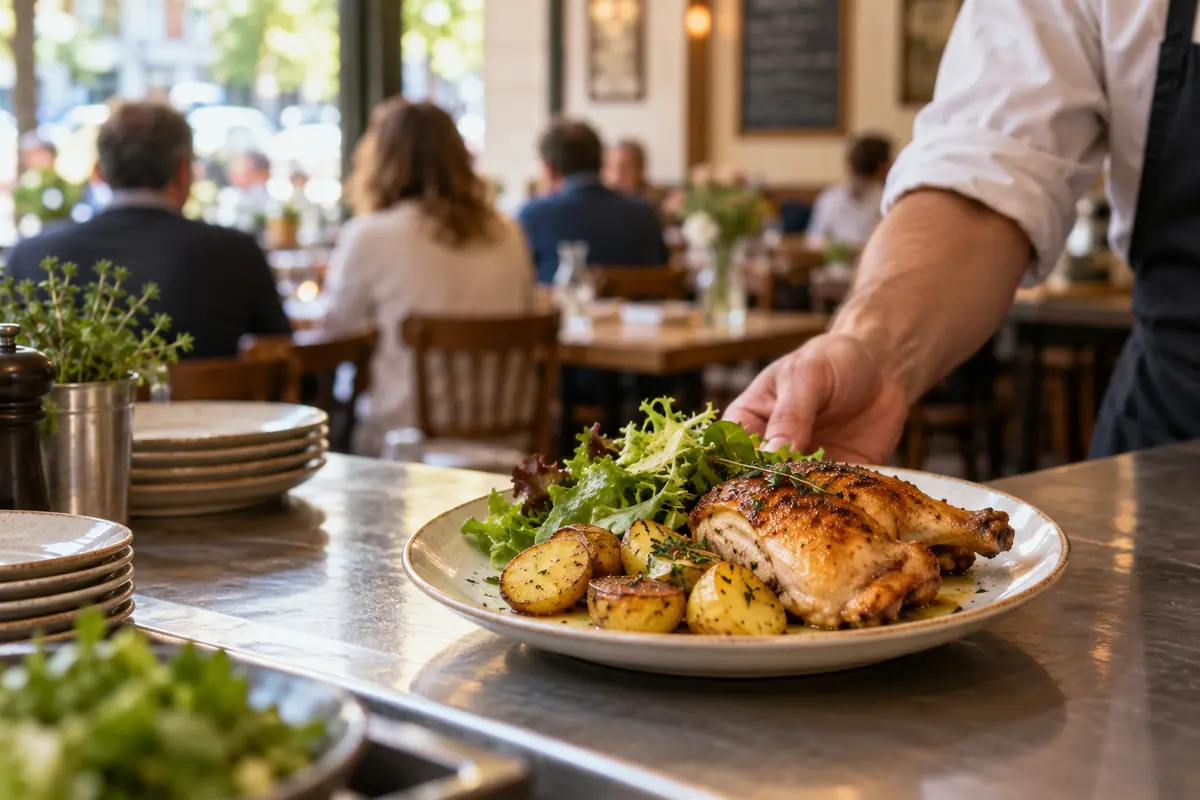
A category for changing dishes
Create a category like “Lunch specials” or “Today” and put it at the top of the menu. Guests find the specials right away, and the regular menu stays the same.
A time window for lunch
Under “Edit categories & order” you give the category a time window, for example Mon–Fri 11:30 AM–2:30 PM. Guests see the time below the heading; outside it, the menu says “Not available right now”. The dishes stay visible, so guests know what to expect at lunchtime.
A fixed routine
- Add today's specials the evening before or in the morning and remove old ones.
- Check the preview to see how the menu looks on a phone.
- Publish – the QR code on your tables stays the same.
- When a dish runs out, mark it “Sold out today”; it applies right away.
Allergens for specials too
Specials need the same allergen information as your regular menu. Keep it in your recipe notes for recurring dishes so you can add it quickly.
Keep boards and signs in sync
If your specials are also on a chalkboard or sign, update both together. Guests should see the same dishes and prices everywhere.