Getting started · 5 min read
PDF, web page or app: what fits you?
All three put your menu on a phone. For guests they feel very different, and the effort for you differs too.
The PDF menu
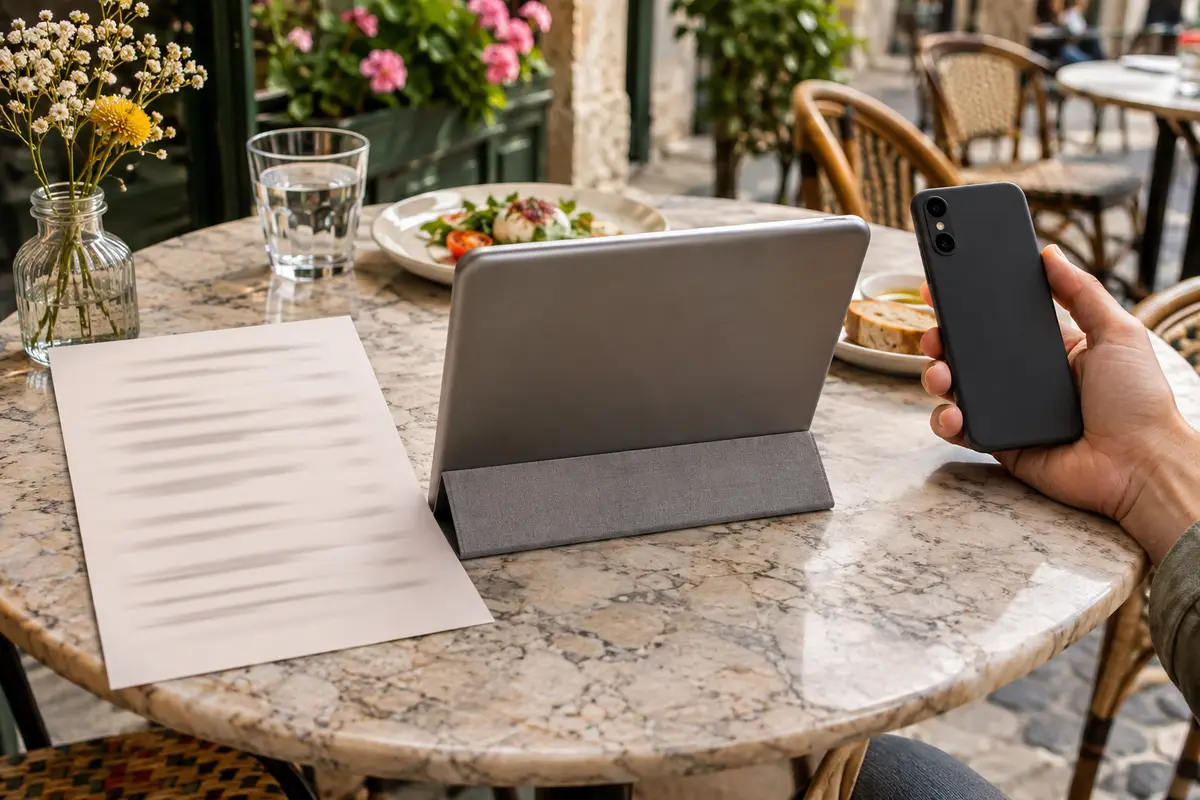
A PDF is quick: upload your existing print file and point the QR code at it. On a phone, though, guests have to zoom and scroll sideways, and large files load slowly on a weak connection.
Every price change means editing the file, exporting and uploading again. And a PDF is harder for search engines and screen readers to read than a web page.
The menu as a web page
A menu as a mobile web page fits every screen, loads fast and can be searched and filtered, for example for vegetarian dishes or without certain allergens. Changes show right away.
Guests open it straight in the browser, without installing anything and without an account. That is the way Plateclick works.
Your own app
An app mainly pays off for chains with ordering, loyalty programs or delivery. For the menu at the table it is a hurdle: hardly any guest installs an app just to read the menu once.
What matters at the table
Test your menu on your own phone at the table with the worst reception. What works there works everywhere.
- Readable without zooming, even on small screens
- Fast to load, even with weak reception
- Allergens and prices clear for every dish
- No cookie banner, no ads, no sign-up
In short
For most restaurants, cafés and takeout spots, a menu web page is the best balance: little effort for you, no hurdle for guests. A PDF works as a stopgap, an app only with ordering.