In practice · 4 min read
QR table signs that work every time.
A QR code that won't scan annoys guests and staff. A few rules make it work at every table.
Contrast and quiet zone
Print the code dark on a light background, black on white is safest. Light codes on dark backgrounds or color gradients are harder for many cameras to read.
The code needs a clear margin around it, the quiet zone. The QR code standard ISO/IEC 18004 calls for four module widths, that is four of the small squares. Plateclick's downloads already include this margin; don't crop it off when you design.
Size and distance
Guests scan from a comfortable seated position. Print the code rather a bit larger than too small and test it from exactly that distance. The SVG prints at any size without losing quality.
One line that explains what happens
A short note such as “Menu – point your camera here” helps guests who rarely use QR codes. Add the menu link as text below, in case the camera won't cooperate.
Placement and material
- Clearly visible on every table, not behind condiments or candles
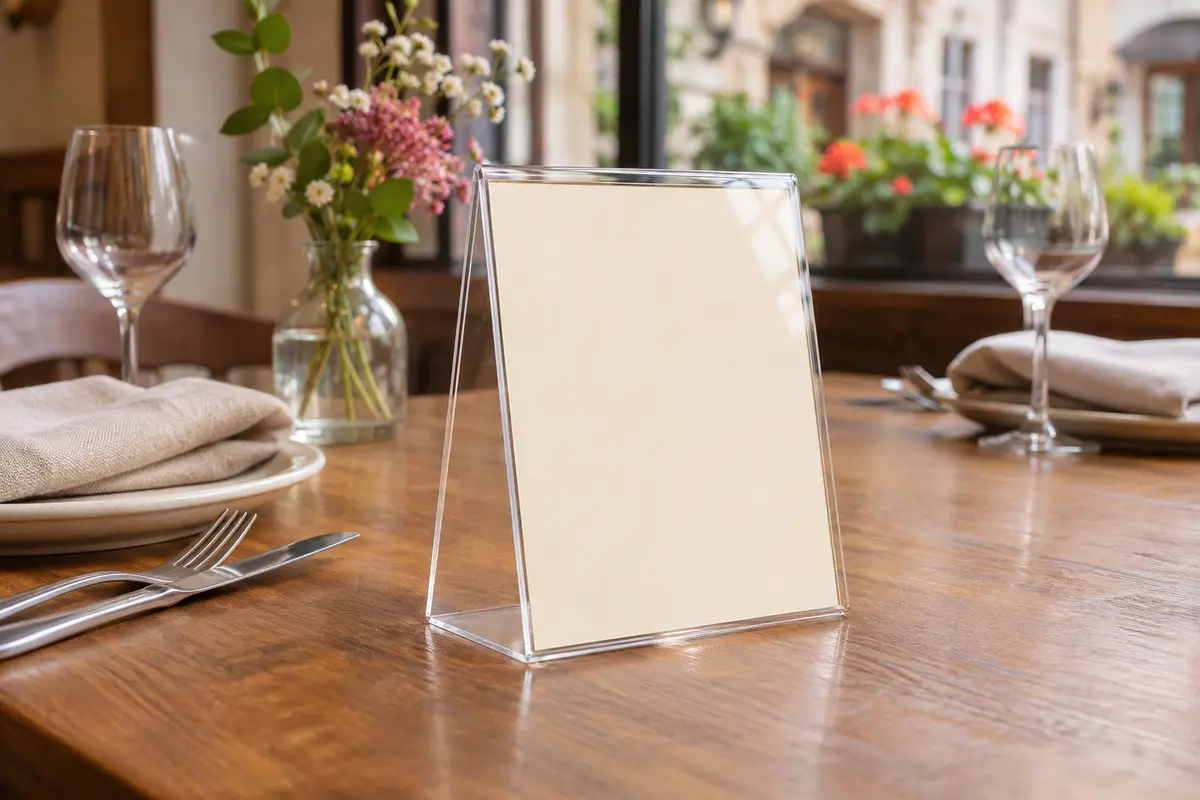
- Wipeable: acrylic table tents, laminated cards or stickers with a protective film
- No glossy surfaces right under lamps
- Also at the counter, the register and in the window
Test before you put them out
Scan every printed code with at least two different phones, in daylight and in evening light. Check that your published menu really appears.
Plateclick's menu link stays the same when you change dishes, prices or the design. Once printed, you can keep using your signs.