Photos · 4 min read
Photograph your dishes – with your phone.
You don't need a studio for appealing food photos. Daylight, a calm background and a few minutes are enough.
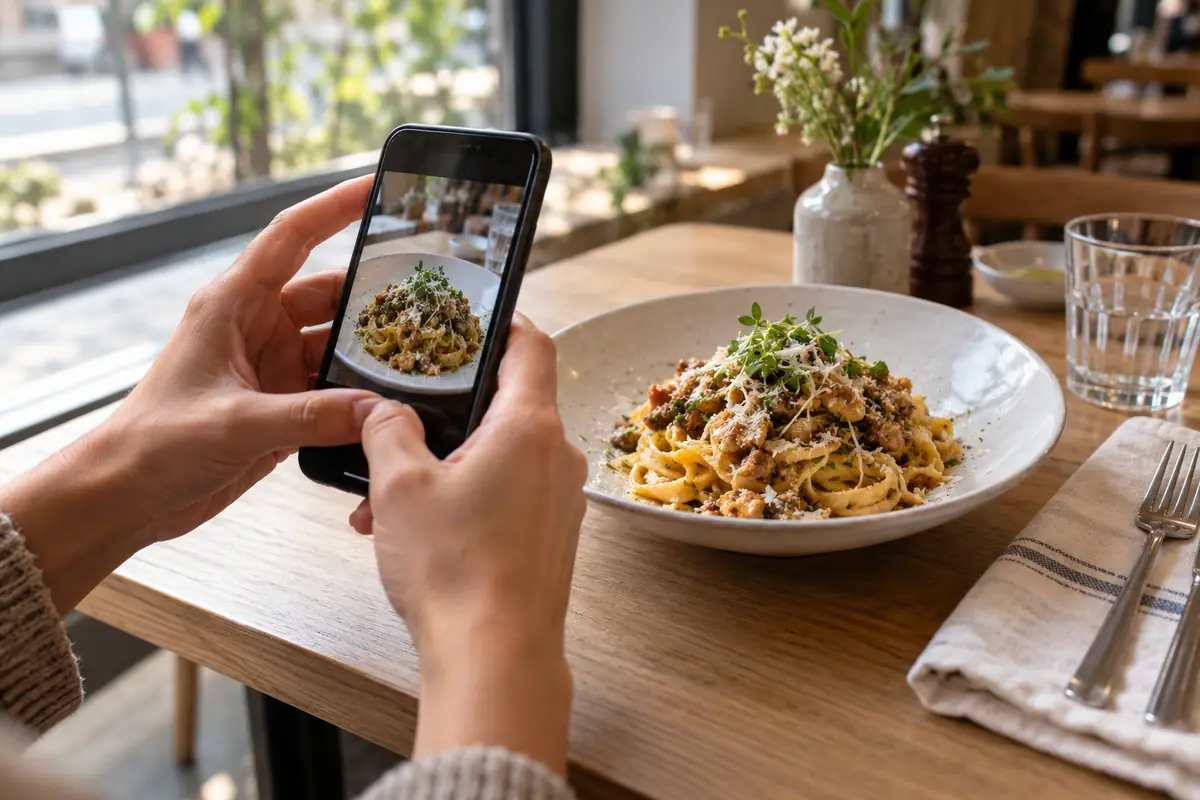
Daylight, not flash
Place the plate near a window, ideally with light from the side. Turn off the flash; it makes food look flat and shiny. Soften harsh sunlight with a light curtain.
The right angle
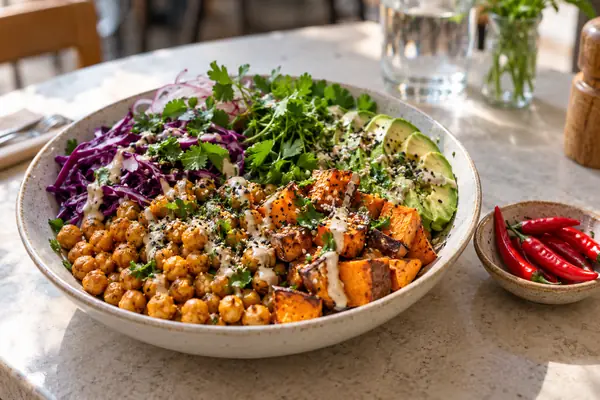
- Shoot flat dishes like pizza, bowls or salads from above.
- Shoot tall dishes like burgers or cakes at table height or at a slight angle.
- Show the whole plate with some margin – menu images may be cropped.
A calm background
Plain plates and a simple table don't distract. Remove anything from the frame that isn't part of the dish.
Show it as it's served
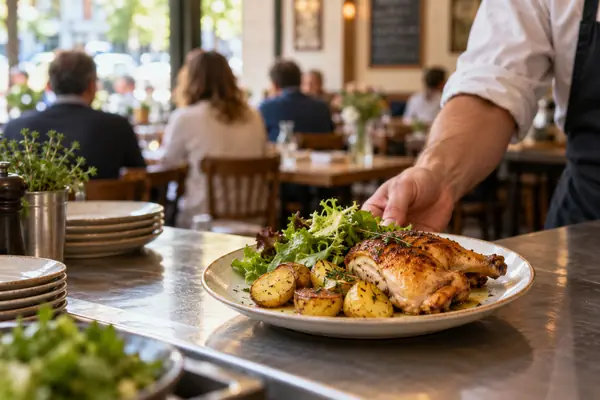
Photograph the dish exactly as guests receive it. A photo sets expectations – big differences in portion or sides disappoint.
Consistent beats perfect
Shoot several dishes in a row at the same spot and in the same light. Photos are optional in Plateclick – a few good ones beat many inconsistent ones.
Technique and image rights
- Wipe the lens first and move closer instead of zooming.
- Plateclick resizes uploaded images and stores them without metadata such as the location.
- Use only your own photos or photos you have the right to use – don't copy images from the web or from suppliers without permission.